
How to join your telehealth visit
A computer is the easiest way to join. A phone or tablet works only in the APPatient app, not in a mobile browser.
If you have trouble, call us at 678-632-2360.
Telehealth will not open in a phone or tablet browser. Safari, Chrome, and other mobile browsers cannot join the visit. Use a desktop or laptop, or download the APPatient app.
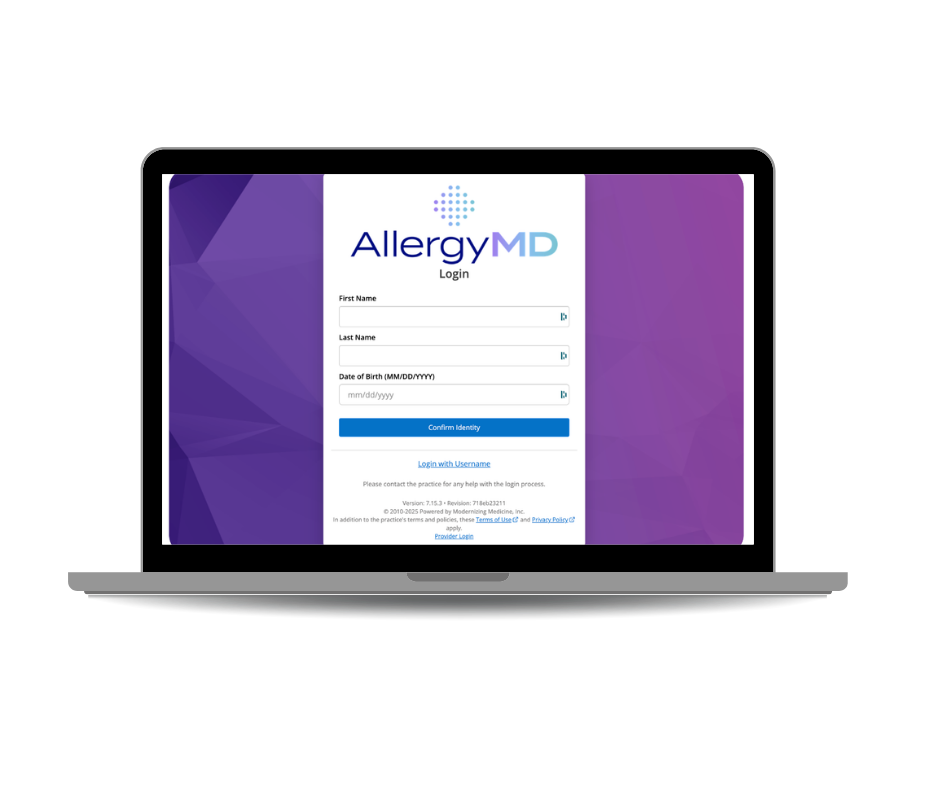
Computer (preferred)
Use a desktop or laptop with a webcam and microphone. Google Chrome or Mozilla Firefox only.
Open Google Chrome or Mozilla Firefox. Other browsers, including Safari and Edge, are not supported.
Go to the patient portal and sign in. First visit? Use the invitation email from AllergyMD.
Find your appointment and join the video visit a few minutes early.
When the browser asks, allow the camera and microphone.
iPhone or iPad — app only
Download the free APPatient app. The visit will not work in Safari or any other mobile browser.
Install APPatient from the App Store.
Sign in with the same username and password as the patient portal.
Open your appointment and join the video visit when it is time.
Allow the app to use your camera and microphone.
Android — app only
Download the free APPatient app. The visit will not work in Chrome or any other mobile browser.
Install APPatient from Google Play.
Sign in with the same username and password as the patient portal.
Open your appointment and join the video visit when it is time.
Allow the app to use your camera and microphone.